The Coordination Platform
Turn Disconnected Programs into Job-Ready Pipelines
Unify partners, data, and workflows in one platform—so learners reach good jobs, employers trust pipelines, and systems and funders see clear, measurable impact.
Book a Demo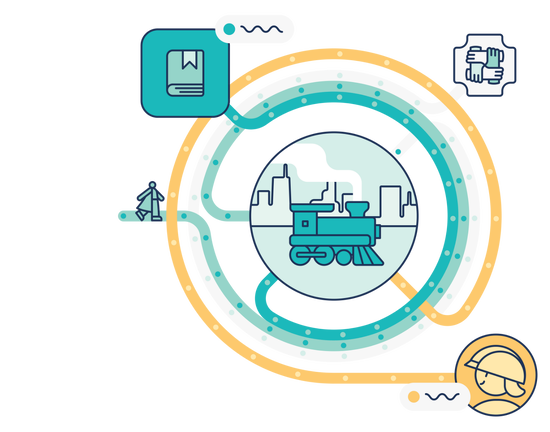
Features of the Platform
End-To-End Support & Management
- Connect workflows at every step—from intake to employment
- Automate candidate matching and movement
- Keep partners aligned with built-in quality checkpoints
- Trigger timely action with alerts and notifications
Secure & Seamless Collaboration
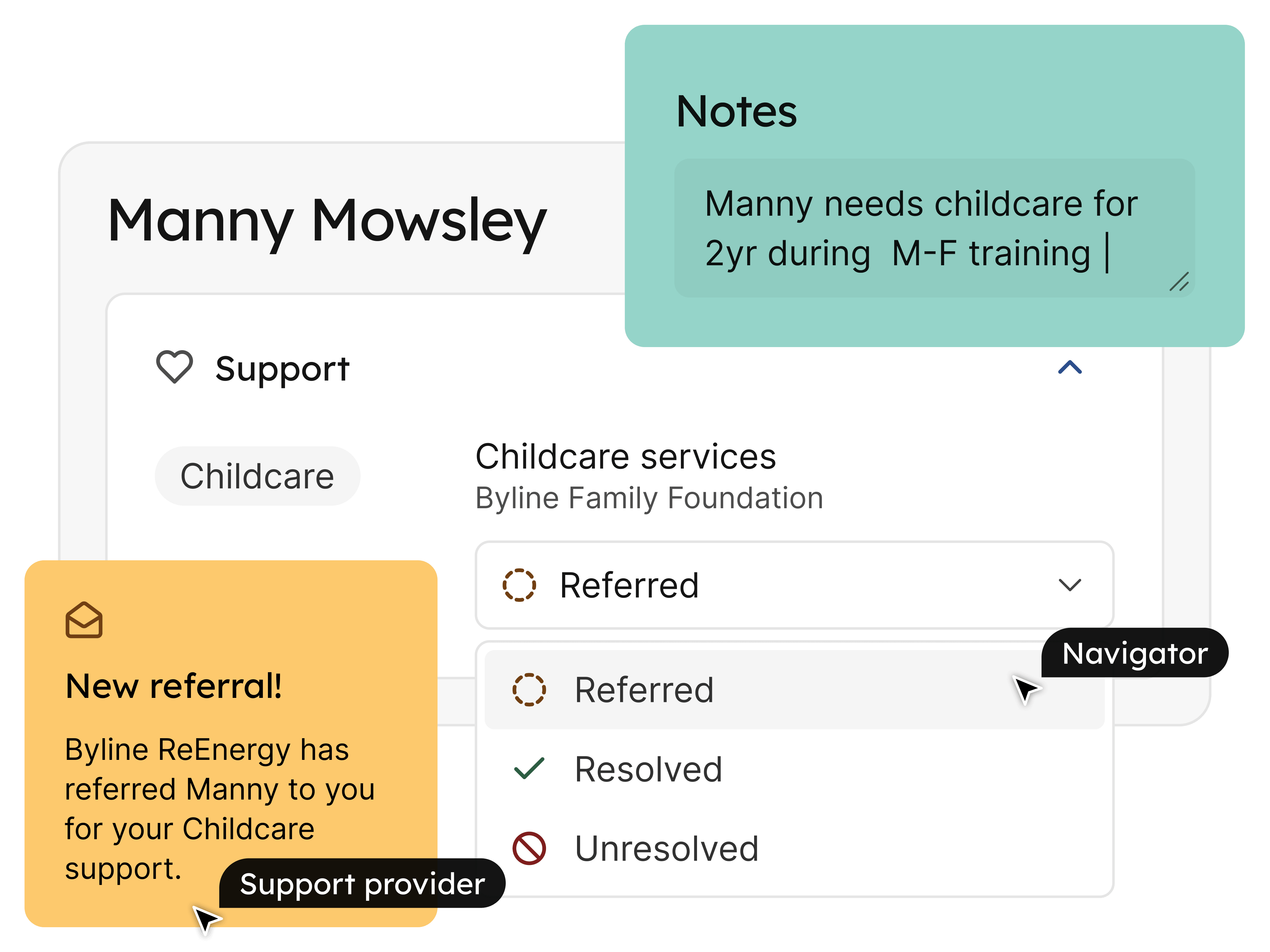
- Collaborate in role-based spaces tailored to partner workflows
- Control access with precise, compliant roles and permissions
- See partner activity and progress in one unified platform
- Flag risks fast with built-in messaging
Built for Every Workforce System
- Easily adapts to single organizations or multi-partner ecosystems
- Manage partners, users, programs, and alerts from one hub
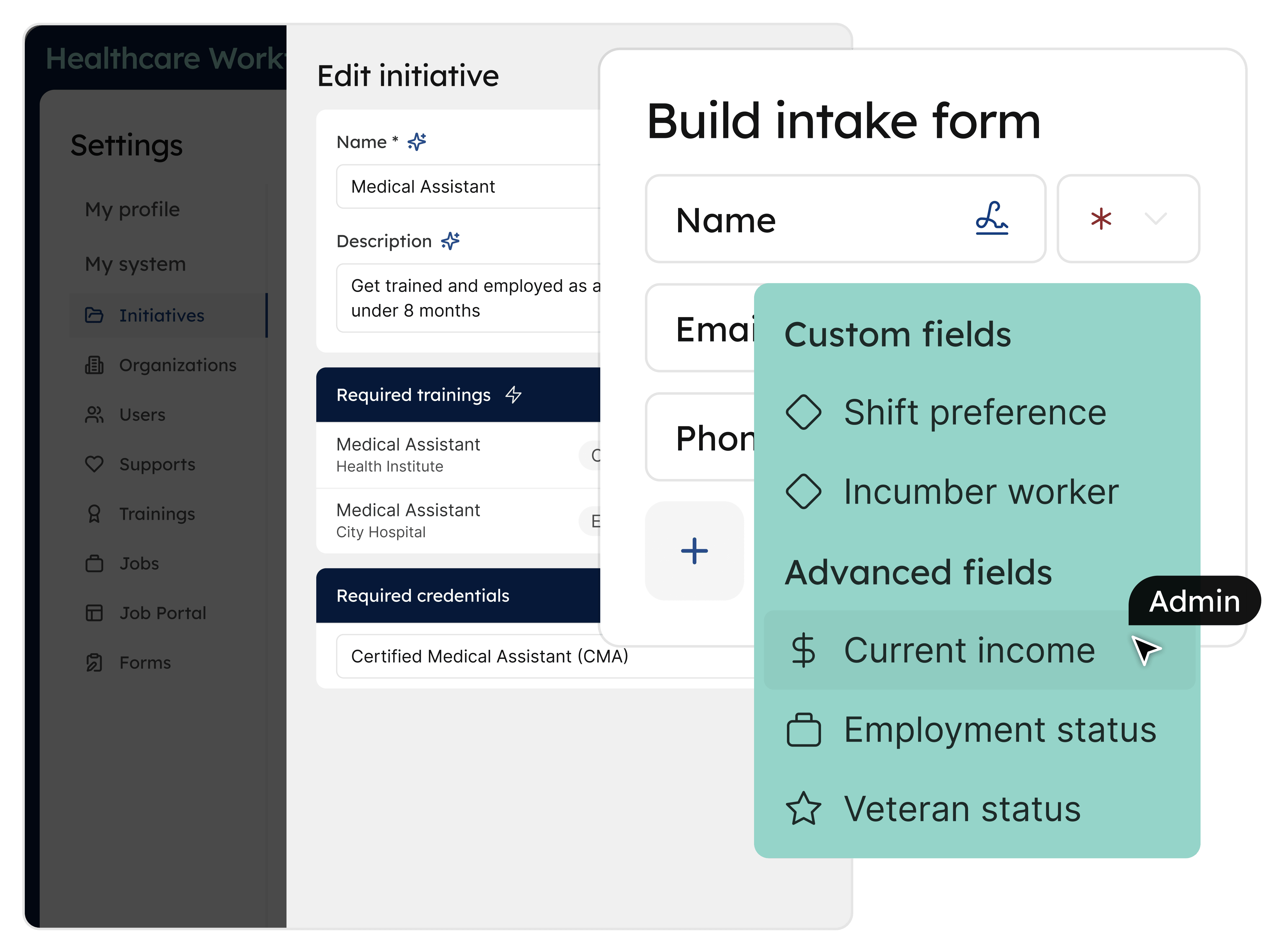
- Customize forms and data for local, funder, or program needs
- Capture both classroom and work-based learning experiences
- Control every step and handoff to ensure accountability and consistency
Integrated Data & Insight
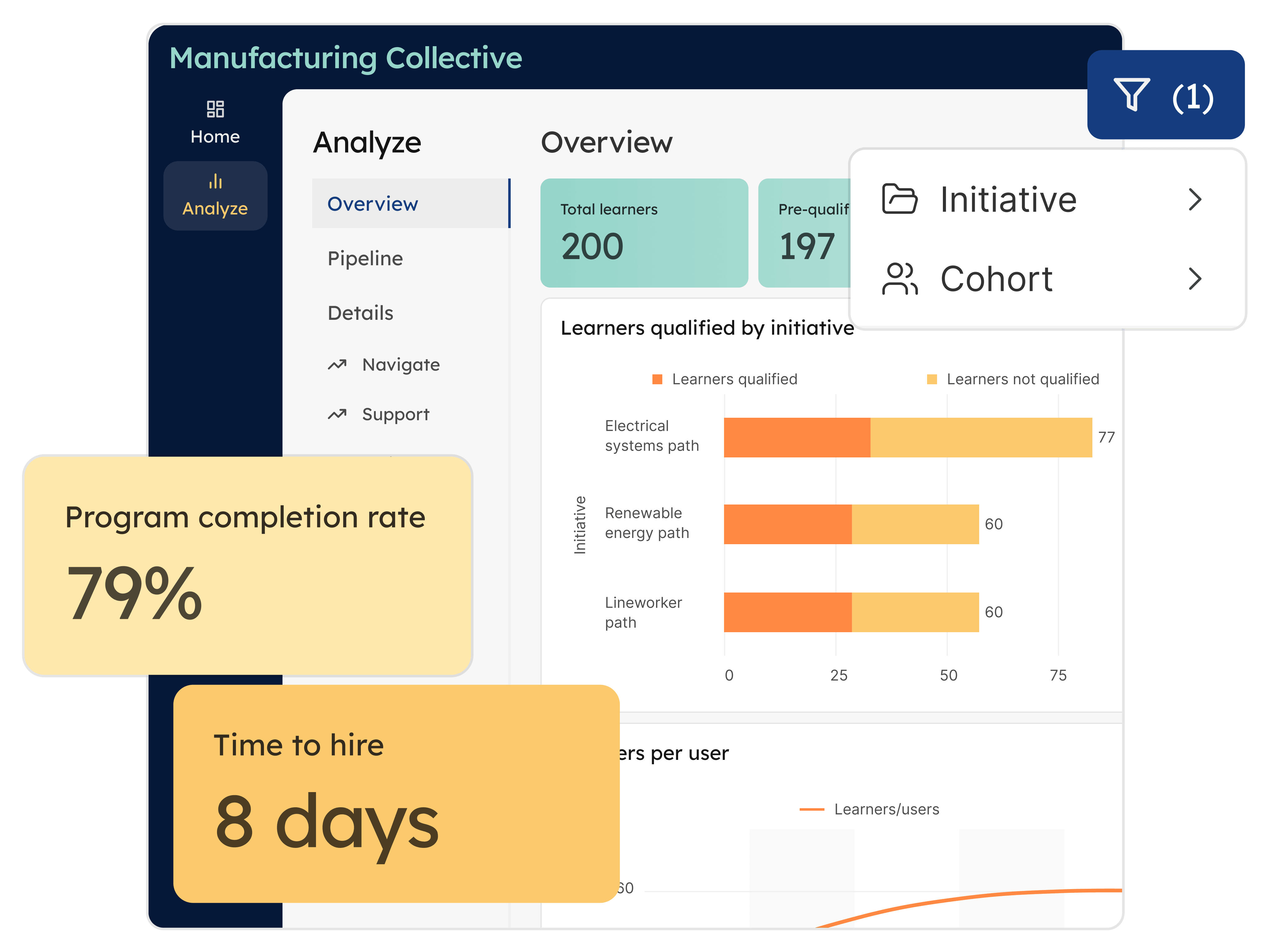
- Capture work as it happens with real-time learner records and analytics
- Evaluate pipelines across systems, cohorts, and partners
- Spot performance gaps with clear dashboards and visualizations
- Share impact with funders and stakeholders with flexible data exports
Interoperable by Design
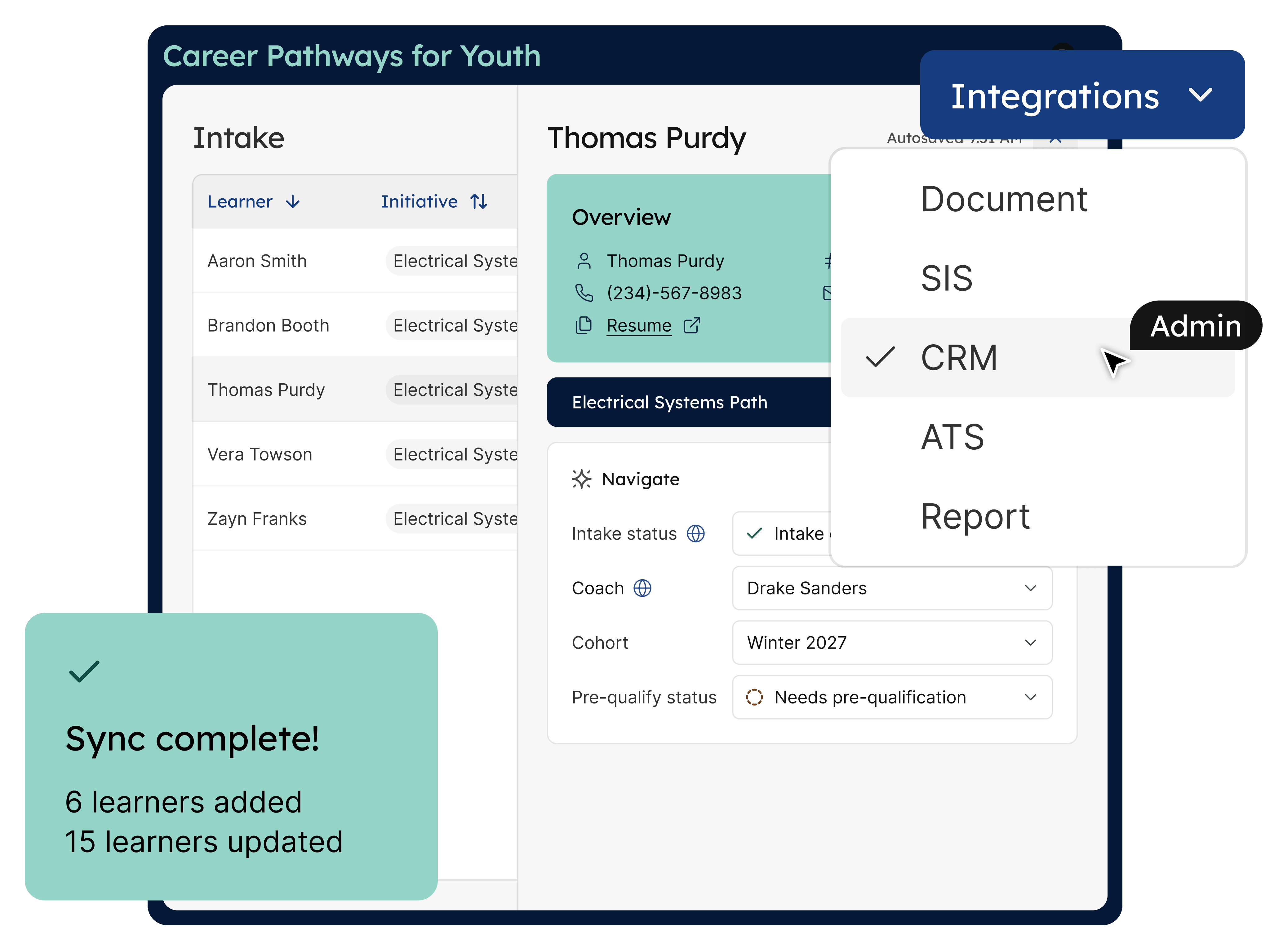
- Integrate seamlessly with existing tools and data systems
- Exchange data bidirectionally with CRMs, SIS, and more
- Connect workflows to tools teams already use
- Strengthen analytics by combining internal and external data
All Aboard for Coordination
Take a quick tour and see how we’re keeping workforce systems moving in sync.